Subjects & Curriculum

Cambridge academic rigour plus a Year 7 to Year 11 STEM 4.0 pathway, from coding to intelligent manufacturing.

Our Curriculum

Explore, understand, admire and question the world

Class sizes are small, so every student is challenged and supported in every aspect of their work. Our innovative and dynamic curriculum lets students explore the world we live in and begin to understand, admire and question it.

The aim of the MITstem curriculum is to develop intellectual curiosity and a love of learning that lasts a lifetime.
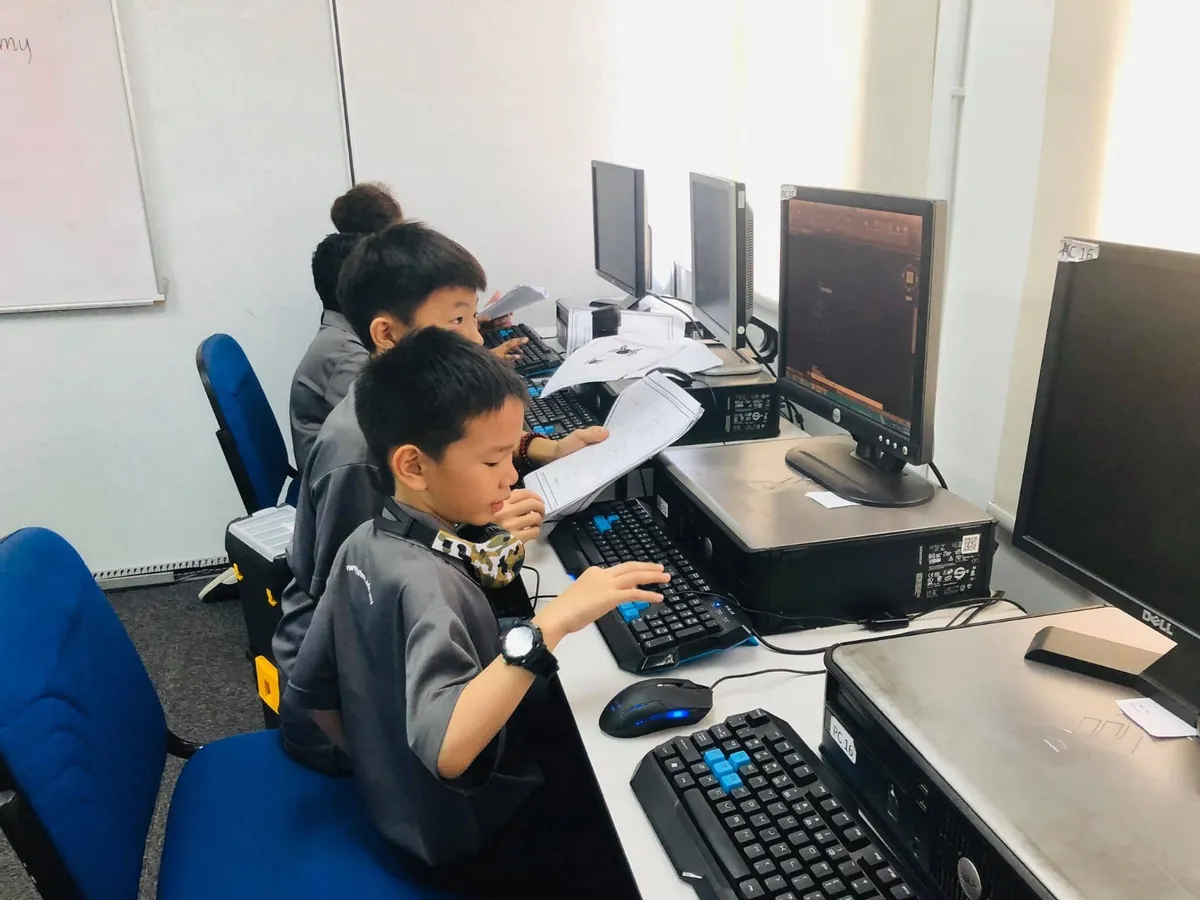
Young MITstem students creating CAD designs on computers from technical drawings
Educational Levels

The Cambridge pathway

Cambridge Primary

5–11
  • Cambridge Primary
  • Primary Checkpoint
  • ICT Starters

Cambridge Lower Secondary

11–14
  • Lower Secondary
  • Cambridge Checkpoint
  • ICT Starters

Cambridge Upper Secondary

14–16
  • Cambridge IGCSE
  • Cambridge O Level

Cambridge Advanced

16–19
  • AS & A Level TO CONFIRM

Ages are typical Cambridge stage ages. MITstem serves students aged 10 to 17, from Year 6 to Year 11.

Subjects by Key Stage

What students study

Primary · Key Stage 2

Year 6

  • Achieve3000 Access Literacy
  • Achieve3000 Programme
  • Creative Writing
  • English
  • Bahasa Malaysia
  • Mandarin
  • Mathematics
  • Science
  • STEM Programme STEM
  • Value Education
  • Social Studies
  • Arts & Crafts
Secondary · Key Stage 3

Years 7–9

Core & additional subjects

  • English
  • Mathematics
  • Biology
  • Physics
  • Chemistry
  • History
  • Geography
  • Bahasa Malaysia
  • Islamic Studies (for Muslim students)
  • Chinese (optional)
  • STEM Courses STEM
Secondary · Key Stage 4 (IGCSE)

Years 10–11

Core & additional subjects

  • English
  • Mathematics
  • Physics
  • Chemistry
  • Bahasa Malaysia
  • Islamic Studies (for Muslim students)
  • Chinese (optional)
  • STEM Courses (optional) STEM

Elective subjects (choose 2 or 3)

  • Biology
  • Economics
  • Additional Mathematics
  • Accounting
STEM Education Pathway

Year 7 to Year 11: from coding to intelligent manufacturing

A teaching progression from foundational knowledge to practical competencies. Each year students produce tangible evidence, not only theory exercises. Click a subject to see its full outline, learning outcomes and assessment evidence.
Learn→Build→Simulate→Integrate→Present
Year 7

Embedded Systems & IoT Project

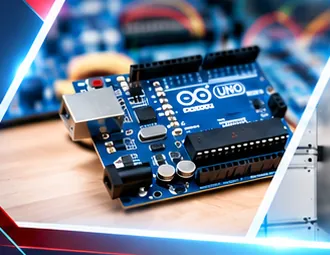
Arduino UNO programming • Electronics and creative coding

Microcontrollers, sensors and connected devices

Course outline

  • Arduino UNO hardware, pins and IDE setup
  • Circuits, LED outputs and digital I/O
  • Variables, loops, conditions and delays
  • Sensors, servo motors and basic actuators
  • Mini project: traffic lights or alarm

Desired learning outcomes

  • Identify microcontroller parts and follow safe wiring practices.
  • Write and upload Arduino sketches using basic logic.
  • Read sensor inputs and control LEDs or a servo motor.
  • Build, test and explain a working Arduino prototype.

Revised Bloom’s taxonomy By the end of this subject, students can

  1. Remember

    Identify the main parts of a simple circuit and name common sensor types.

  2. Understand

    Explain how a sensor reading can trigger an output.

  3. Apply

    Assemble a simple circuit and record sensor readings under different conditions.

  4. Analyze

    Graph the readings and identify patterns or unusual values.

  5. Evaluate

    Use the data to justify a trigger threshold for an alarm.

  6. Create

    Design and build a device that measures a condition and reports a change.

Project evidence at this level

Working Arduino prototype — Circuit + code + short demonstration

Enquire about this programme

Year 8

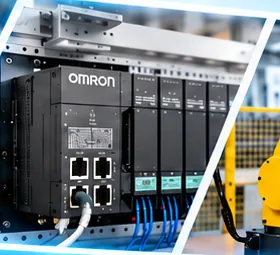
Electro-Pneumatics with PLC & Mechatronics Lab

OMRON PLC • Industrial logic and automation

Programmable control and pneumatic systems

Course outline

  • PLC architecture, inputs, outputs and wiring
  • PLC programming environment and I/O mapping
  • Ladder logic, contacts and coils
  • Timers, counters, interlocks and sequences
  • Practical task: conveyor / machine-control simulation

Desired learning outcomes

  • Recognise PLC hardware and industrial I/O devices.
  • Create simple ladder-logic programs and I/O maps.
  • Develop and test start/stop, timer and counter logic.
  • Diagnose basic control faults and apply safe test procedures.

Revised Bloom’s taxonomy By the end of this subject, students can

  1. Remember

    Identify the inputs, controller and outputs in an automated system.

  2. Understand

    Explain how compressed air and a valve move a cylinder.

  3. Apply

    Use a logic diagram to programme and test a timed sequence.

  4. Analyze

    Trace a fault by comparing expected and observed signals at each step.

  5. Evaluate

    Use test results to judge whether a sequence meets its timing and safety criteria.

  6. Create

    Design an automated sequence that responds to a missing input.

Project evidence at this level

PLC sequence demonstration — I/O map + ladder program + test record

Enquire about this programme

Year 9

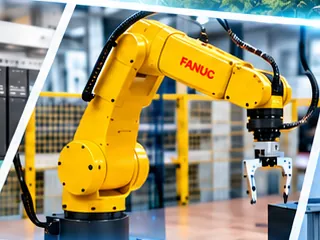
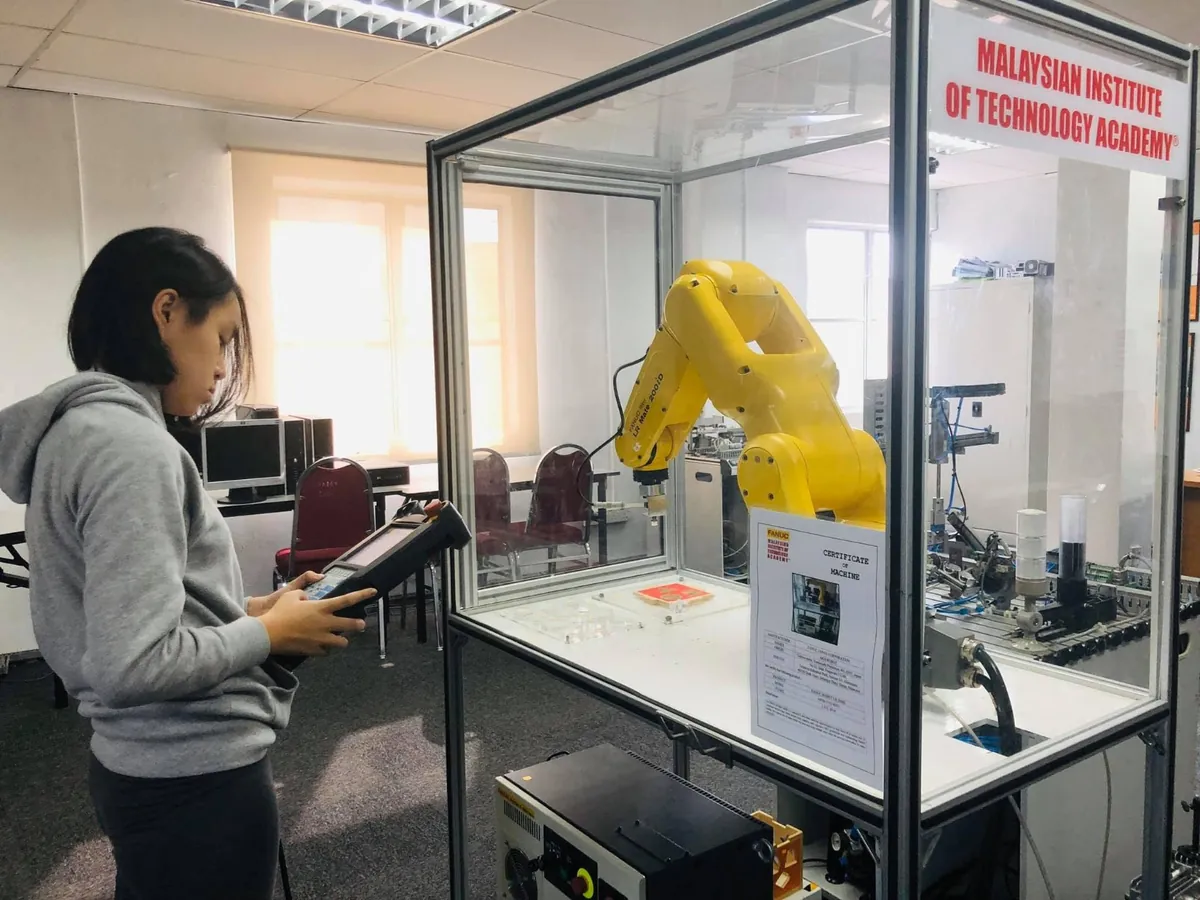
Industrial Robotics

FANUC LR Mate 200iD • Safe operation and foundational programming

Robot motion, programming and simulation

Course outline

  • Robot cell structure and safety zones
  • Coordinate frames, axes and robot motion
  • Teach pendant / controller orientation
  • Jogging and teaching robot positions
  • Simple pick-and-place robot routine

Desired learning outcomes

  • Identify major robot-cell components and safety controls.
  • Explain basic robot motions and coordinate systems.
  • Teach and run a basic sequence under supervision.
  • Demonstrate safe operation and simple error recovery.

Revised Bloom’s taxonomy By the end of this subject, students can

  1. Remember

    Identify robot joints, axes and basic safety controls.

  2. Understand

    Explain how position and orientation describe a robot tool’s motion.

  3. Apply

    Use coordinates and angles to teach a simple movement in simulation.

  4. Analyze

    Compare two simulated paths to locate points with limited clearance.

  5. Evaluate

    Justify a path choice using clearance and travel time.

  6. Create

    Create and test a movement routine for a new part layout.

Project evidence at this level

Basic robot-cell operation — Safe execution + position program

Enquire about this programme

Year 10

Robot System Integration

FANUC LR Mate 200iD • Automated workcells and advanced integration

Integrated sensing, control and robotic motion

Course outline

  • Review safety and robot-cell programming
  • Tool / user frames and position accuracy
  • Robot I/O and sensor-based decisions
  • Workcell simulation and cycle development
  • Team project: automated handling cell

Desired learning outcomes

  • Develop a structured multi-step robot program.
  • Configure basic robot I/O and sequence handshakes.
  • Simulate, debug and optimise robot-cell motion.
  • Integrate and present an automated cell with evidence.

Revised Bloom’s taxonomy By the end of this subject, students can

  1. Remember

    List the components and signals needed to coordinate a workcell.

  2. Understand

    Explain how shared signals synchronise sensors, controllers and actuators.

  3. Apply

    Set up and time a coordinated sequence over several trials.

  4. Analyze

    Use a timing chart to identify a delay or a failed handoff.

  5. Evaluate

    Use measured results to judge whether a proposed change improves the cycle.

  6. Create

    Design and validate a coordinated sequence with a defined fault response.

Project evidence at this level

Integrated robot application — Simulation + tested cell routine

Enquire about this programme

Year 11

Smart Factory 4.0

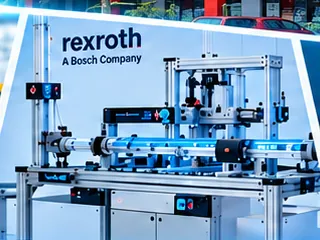
Bosch Rexroth mMS4.0 • Connected production and Industry 4.0

Connected manufacturing, production data and AI-assisted analysis

Course outline

  • Industry 4.0 and connected production concepts
  • mMS4.0 station functions and material flow
  • Sensors, actuators and machine status signals
  • Production data, monitoring and dashboards
  • Mini project: analyse and improve a production workflow

Desired learning outcomes

  • Describe the architecture of a smart manufacturing line.
  • Trace material and data flow between stations.
  • Observe key operating variables and production indicators.
  • Propose a data-informed process improvement.

Revised Bloom’s taxonomy By the end of this subject, students can

  1. Remember

    Define throughput, downtime and energy use per unit.

  2. Understand

    Explain how sensor measurements become production data.

  3. Apply

    Calculate production indicators from a dataset and use them in an AI prompt.

  4. Analyze

    Compare trends across stations to locate a likely production bottleneck.

  5. Evaluate

    Check AI-assisted findings against the data and judge a proposed improvement.

  6. Create

    Create a process improvement brief supported by calculations and verified evidence.

Project evidence at this level

Smart manufacturing / AI case — Dashboard / data interpretation + prompt log

Enquire about this programme

Year 11

AI: Prompt Engineering

Microsoft AI • Prompt design, critical evaluation and digital leadership

Prompt design, critical evaluation and digital leadership

Course outline

  • AI fundamentals and limitations
  • Effective prompt structure: role, task, context, format
  • Prompt iteration and output evaluation
  • Responsible use: privacy, attribution and accuracy
  • Project: AI-assisted maintenance or process-report brief

Desired learning outcomes

  • Draft precise prompts for technical use cases.
  • Evaluate AI output against verifiable information.
  • Revise prompts to improve specificity and reliability.
  • Use AI responsibly to support a structured engineering task.

Project evidence at this level

Smart manufacturing / AI case — Dashboard / data interpretation + prompt log

Enquire about this programme

How the Technology Connects

From local control to an intelligent production ecosystem

Sense

Input devices and sensors

Control

Arduino and OMRON PLC

Act

FANUC robotic cell

Connect

Bosch Rexroth mMS4.0

Interpret

Data and AI prompting

What Students Achieve

Five years of practical, evidence-based STEM learning

  • Computational thinking: translate problems into algorithms and control sequences.
  • Engineering design: model, build, test and iteratively improve real solutions.
  • Automation & robotics: program sensors, PLCs, robots and integrated cells.
  • Smart manufacturing: interpret production data and optimise system processes.
  • Responsible AI use: create, evaluate and refine prompts for practical tasks.
  • Communication & safety: document, demonstrate and present work using safe procedures.

Assessment & student portfolio

Technical foundations
30%
Practical performance
40%
Project quality
20%
Communication & safety
10%

Illustrative weighting, adjustable to school policy. Each portfolio includes code and diagrams, photos and videos, test logs, reflection and a final demonstration.

Give your child a head start in Industry 4.0

Visit our campus in Kota Kemuning, Shah Alam, and see our industry-standard labs in action.

Book a Visit View Curriculum